


Planning Digital Legacy with Help from Password Managers
In today’s hyper-connected world, every photo stored online, subscription managed via an app, or password saved on your phone contributes to what is known as your digital legacy. As our lives become increasingly digitised, the question of what happens to our online accounts and data after we pass away becomes more pressing. This blog explores how you can proactively plan your digital legacy and why password managers are essential to that strategy.
Not only do they streamline access and improve security, but when chosen wisely—especially from a reliable password management company—they can also offer features specifically tailored to assist in legacy planning. Combined with proper IT helpdesk support, these tools become invaluable in creating a seamless transition for loved ones.
Understanding Digital Legacy
Your digital legacy refers to the online information and digital assets you leave behind after your death. These assets might include everything from email accounts and social media profiles to cloud drives, subscription services, and even online banking.
Without a proper plan in place, grieving family members may be locked out of crucial accounts, potentially losing access to important files or funds. Worse, unmonitored accounts can become targets for cybercrime or identity theft. Digital legacy planning ensures that your data is accessible to the right people—and protected from the wrong ones.

Common Digital Assets to Consider
When crafting a digital legacy plan, it’s essential to catalogue your digital possessions thoroughly. Here are some of the most important categories to consider:
- Email Accounts: Often the gateway to resetting passwords and managing subscriptions.
- Cloud Storage: Services like Google Drive or iCloud may contain photos, personal documents, or sensitive data.
- Social Media: Platforms like Facebook, Instagram, or LinkedIn can be memorialised or deleted if proper access is available.
- Financial Accounts: Online banking, digital wallets, and investment platforms may house significant assets.
- Streaming and Subscriptions: Services like Netflix, Spotify, and even Amazon Prime should be closed or transferred.
- Professional Tools: Business-related software and web accounts need proper handing over, particularly for freelancers or entrepreneurs.
These assets must be tracked securely—and that’s where a password manager comes into play.
Challenges in Managing Digital Legacies
Despite growing awareness, digital legacy planning still faces several hurdles:
- Credential Loss: Without a secure way to store or share passwords, access to accounts can be permanently lost.
- Data Privacy Laws: Accessing someone’s online accounts posthumously can violate terms of service or legal boundaries without prior consent.
- Emotional Strain: Loved ones navigating a digital maze in the midst of grief can experience undue stress and confusion.
These challenges necessitate a structured, secure approach that balances access and protection—one that password managers are uniquely equipped to offer.
Why Traditional Methods Fall Short
Many still rely on physical notebooks, spreadsheets, or unencrypted documents to store credentials. These methods carry serious risks:
- Vulnerability to Theft or Loss: Paper records can be stolen, destroyed, or misplaced.
- Outdated Information: Passwords change frequently, making static records unreliable.
- No Backup or Sharing Protocol: In case of an emergency, there’s no simple way to share access securely.
By contrast, a robust password management company provides encrypted storage and controlled access tools that adapt with your needs.
The Role of Password Managers in Digital Legacy Planning
Password managers do far more than store credentials. They act as central repositories for all your sensitive access points, and many include digital legacy-specific features such as:
- Emergency Access Options: Grant a trusted contact controlled access in case of your incapacity or death.
- End-to-End Encryption: Protect your data from unauthorised access.
- Secure Sharing Tools: Share login credentials without revealing them outright.
- Multi-Device Access: Ensure you can manage your assets from phone, tablet, or desktop.
These features enable you to prepare your digital estate in a secure, thoughtful manner—ensuring peace of mind for you and your family.
Features to Look for in a Password Management Company
When selecting a password manager for legacy planning, look out for providers that offer the following:
1. Emergency Access Management
Choose software that allows you to nominate one or more trusted individuals to access your account in emergencies.
2. Vault Sharing Capabilities
Make sure the platform supports secure, selective sharing of credentials—ideal for transitioning access gradually.
3. Compatibility with IT Helpdesk Support
A well-integrated password manager should offer seamless coordination with IT helpdesk support teams for businesses or families handling multiple users.
4. Activity Logs and Audit Trails
Track who accessed what, when—vital for transparency and accountability during inheritance proceedings.
5. Synchronisation Across Devices
Ensure your credentials are accessible and updated in real-time across all your digital touchpoints.
Choosing the right provider ensures not just security but also ease of use—especially important when others will one day rely on it.
Steps to Build a Digital Legacy Plan with a Password Manager
If you’re ready to start preparing your digital legacy, follow these essential steps:
Step 1: Inventory All Your Digital Assets
List out every account, subscription, and digital resource you use—personal or professional.
Step 2: Secure Your Logins in a Password Manager
Use a trustworthy password management company to store this information securely.
Step 3: Nominate a Digital Executor
Designate a trusted person who will manage or access your digital accounts after your passing.
Step 4: Enable Emergency Access Features
Use your password manager’s legacy settings to grant conditional access to your chosen executor.
Step 5: Update Your Plan Regularly
Review your digital estate periodically to keep passwords, access levels, and nominated contacts up to date.
By automating and encrypting these steps, you create a system that’s easy to manage in life—and seamless to pass on.
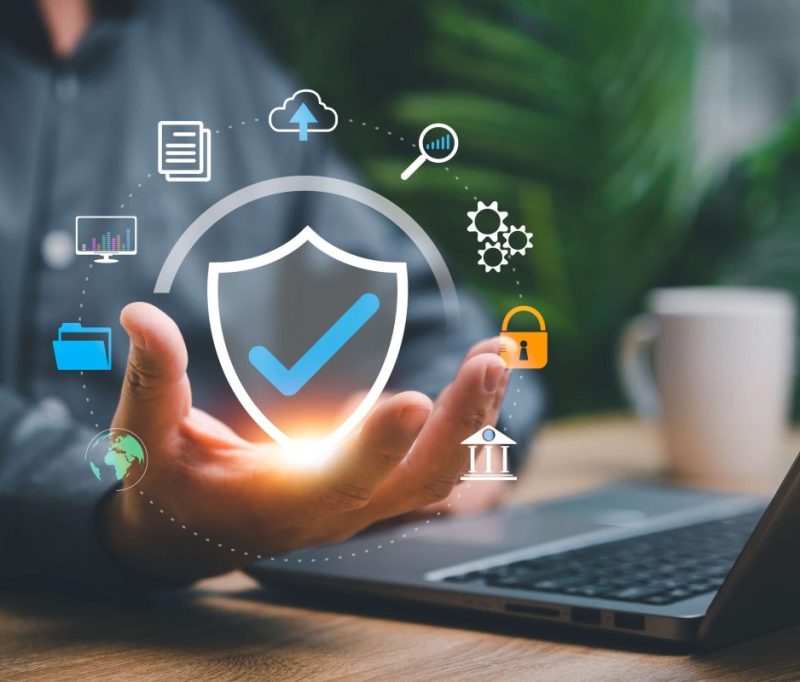
Security and Peace of Mind for the Future
The cyber world evolves constantly, and so do its threats. By centralising and encrypting your credentials, password managers defend against risks like hacking, phishing, or accidental exposure.
They also minimise stress for your loved ones—offering them one clear path forward, instead of a chaotic scramble for access. For organisations, aligning this process with IT helpdesk support ensures the entire team remains protected and in control, even in times of disruption.
From private individuals to business leaders, digital legacy planning is no longer optional—it’s responsible.
Conclusion
Creating a digital legacy plan might seem like a modern problem, but its solution is practical and timeless: secure, reliable access. By using a robust password management company, you can protect your digital assets and provide clarity for those you leave behind.
Tools integrated with IT helpdesk support not only ensure ongoing protection but also deliver flexibility when your plan must adapt. Whether for your family, your business, or your peace of mind—planning today makes all the difference tomorrow.
Renaissance Computer Services Limited encourages every individual and enterprise to embrace password managers as essential tools in building a secure digital future.
Location











Leave a Comment